What can inviol detect?
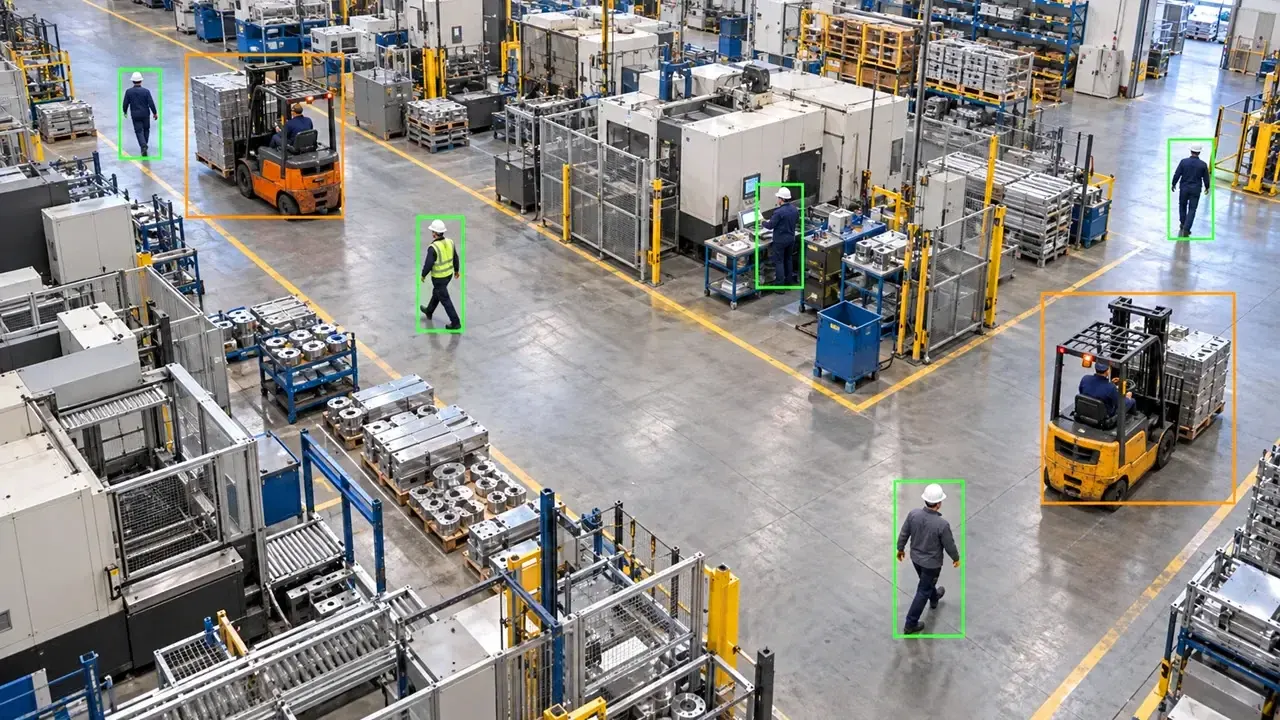
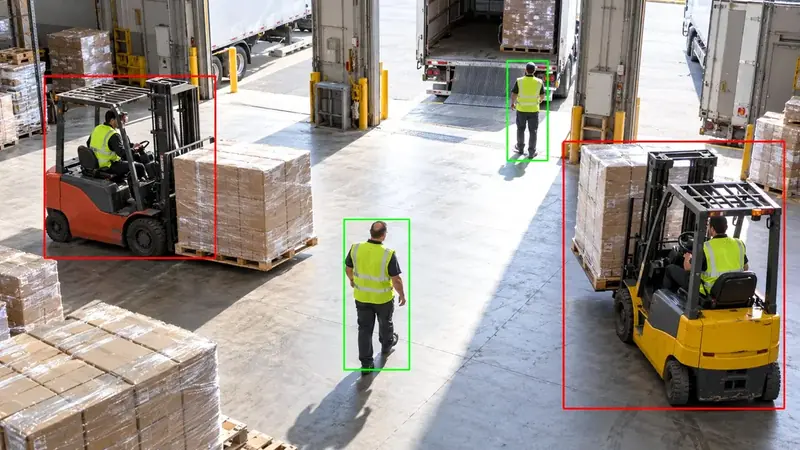
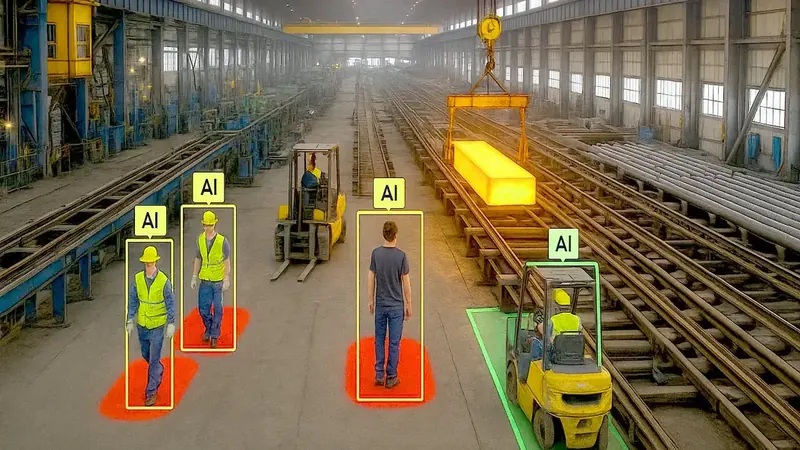
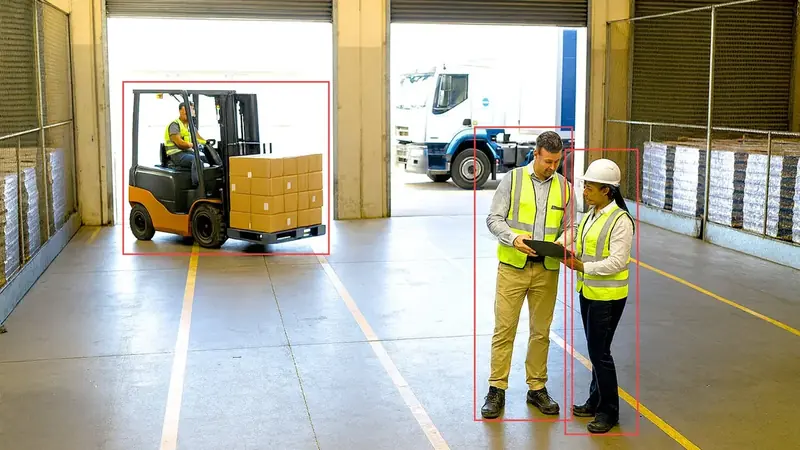
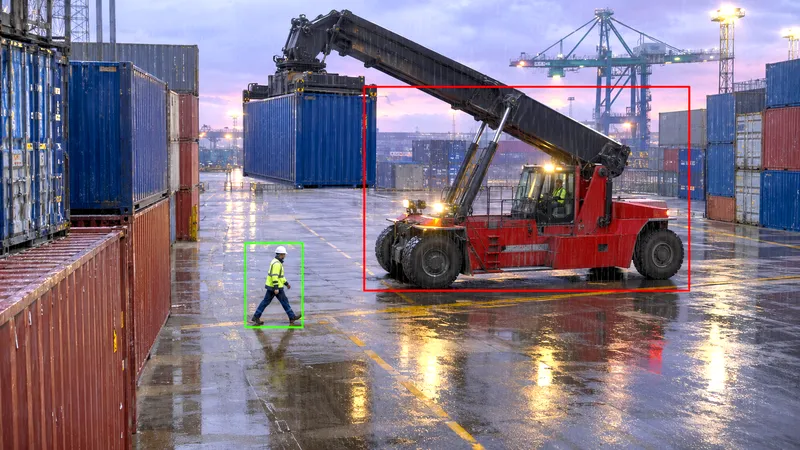
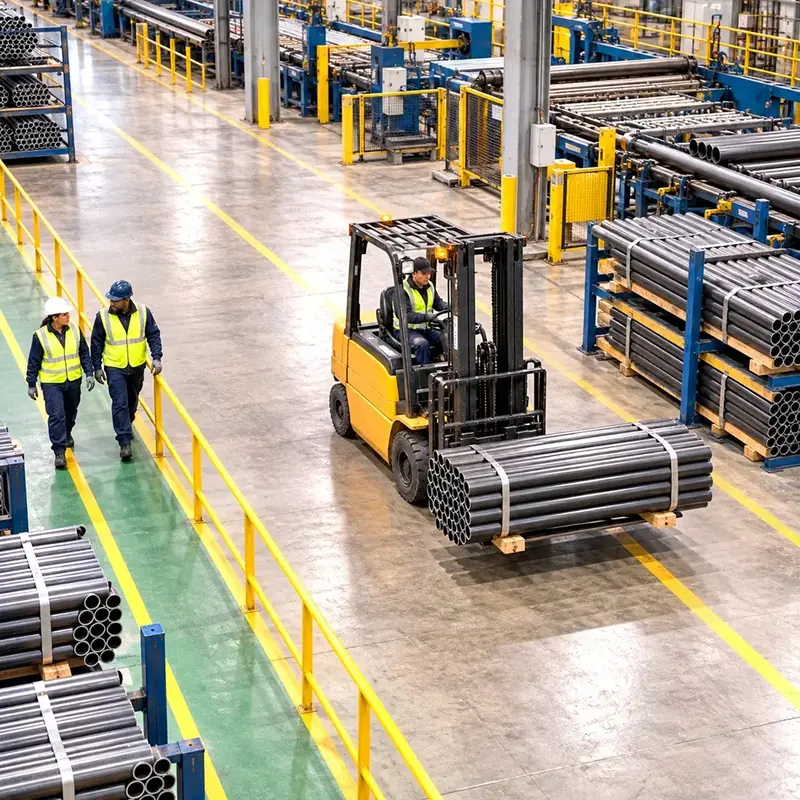
inviol detects 35 safety conditions across eight groups: area control, vehicles and pedestrians, behavioral safety, PPE, ergonomics, housekeeping and fire, site traffic and operations, and site insights. You turn on the detections each camera and area needs.
Does inviol need new cameras?
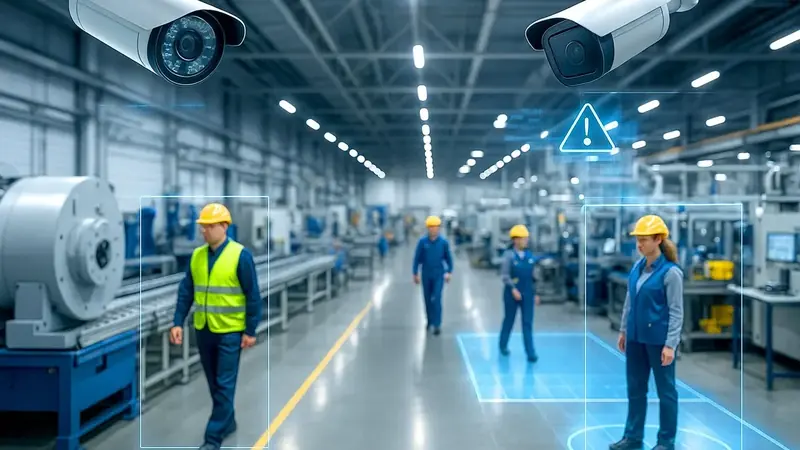
No. inviol connects to your existing CCTV through standard RTSP feeds and works with the vast majority of camera and recorder (NVR/DVR) setups. Camera position and image quality matter, so the pilot starts with a quick review of your camera views.
Can I choose which inviol detections run on each camera?
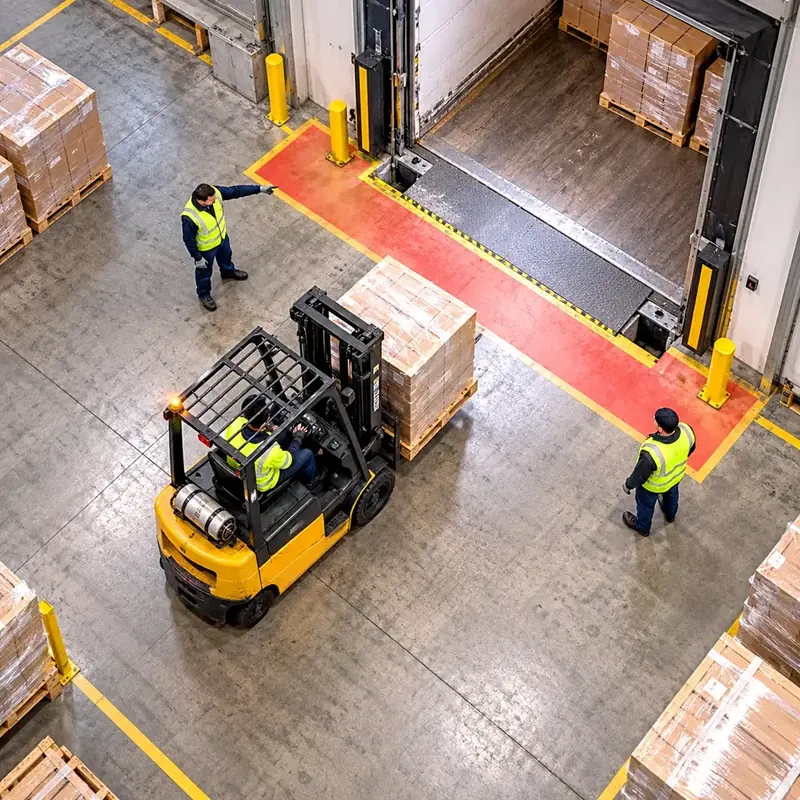
Yes. You define the zones and rules for each camera view, so a dock camera can watch for exclusion zone entry and near misses while an aisle camera watches walkways and PPE.
Does inviol use facial recognition?
No. inviol does not use facial recognition. Clips can have faces automatically blurred, so coaching focuses on the behavior, not the person.
What happens when inviol detects something?
Each inviol event is saved with a 20 to 30 second video clip, a risk rating and context about what happened. Supervisors use the clips for short coaching conversations and toolbox talks.
What if the condition I need is not on this list?
Send us the condition and a sample camera view. We will tell you whether inviol detects it today, before you start a pilot.